In my previous school district, I was the only teacher teaching a physics course with set, district-wide learning outcomes. These same outcomes were also taught in physics classrooms at the other high school in our district. But at our school, I was one of the 2 physics teachers. The other teacher taught the AP-level physics courses. So, in many ways, I had opportunities to incorporate strategies I believed were best for learners and that I found worked best for them without being seen as out of alignment with anyone in our building. My amazing friend and one of my teaching philosophy goddesses, Katie Novak, stated the following misconception about alignment: All teachers must deliver instruction in the exact same way. True alignment, she says, is about shared goals, rigor, and outcomes. Thank you, Katie! Katie has taught me to truly believe that learner variability is the rule, not the exception. I encourage you to take 10 minutes to listen to Katie Novak explain it in the ...


There were two different components I want students to report out on at the end of their personal learning project. I want students to be able to provide information as it related to their question or goal. The other report I wanted was a reflective piece on the process itself.
I could see this being very doable as a “poster presentation” where students stood by a poster and reported out to a public audience. I like this idea but wanted to change it up for a couple of reasons. Due to the tight time frame in which I laid out this project, I wasn’t able to advertise and get enough of a public presence to attend. Without that audience, I would need to rely on students as the audience. I wanted all of my student to be able to experience the projects. So, I decided to find a way to make this poster presentation a little more virtual using augmented reality.
Not familiar with augmented reality? Take a look at this clip from the film Minority Report and the future of advertising:
Augmented reality is something I was introduced to a couple of year ago at an EdCamp.
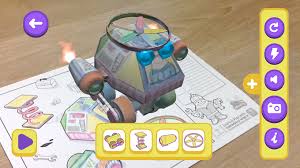
The specific apps I was introduced to were Chromville and Aurasma. Chromville is more of an elementary school level app which generated 3D animated images from 2D pieces of paper.
The specific apps I was introduced to were Chromville and Aurasma. Chromville is more of an elementary school level app which generated 3D animated images from 2D pieces of paper.
It turns a 2D image like this:
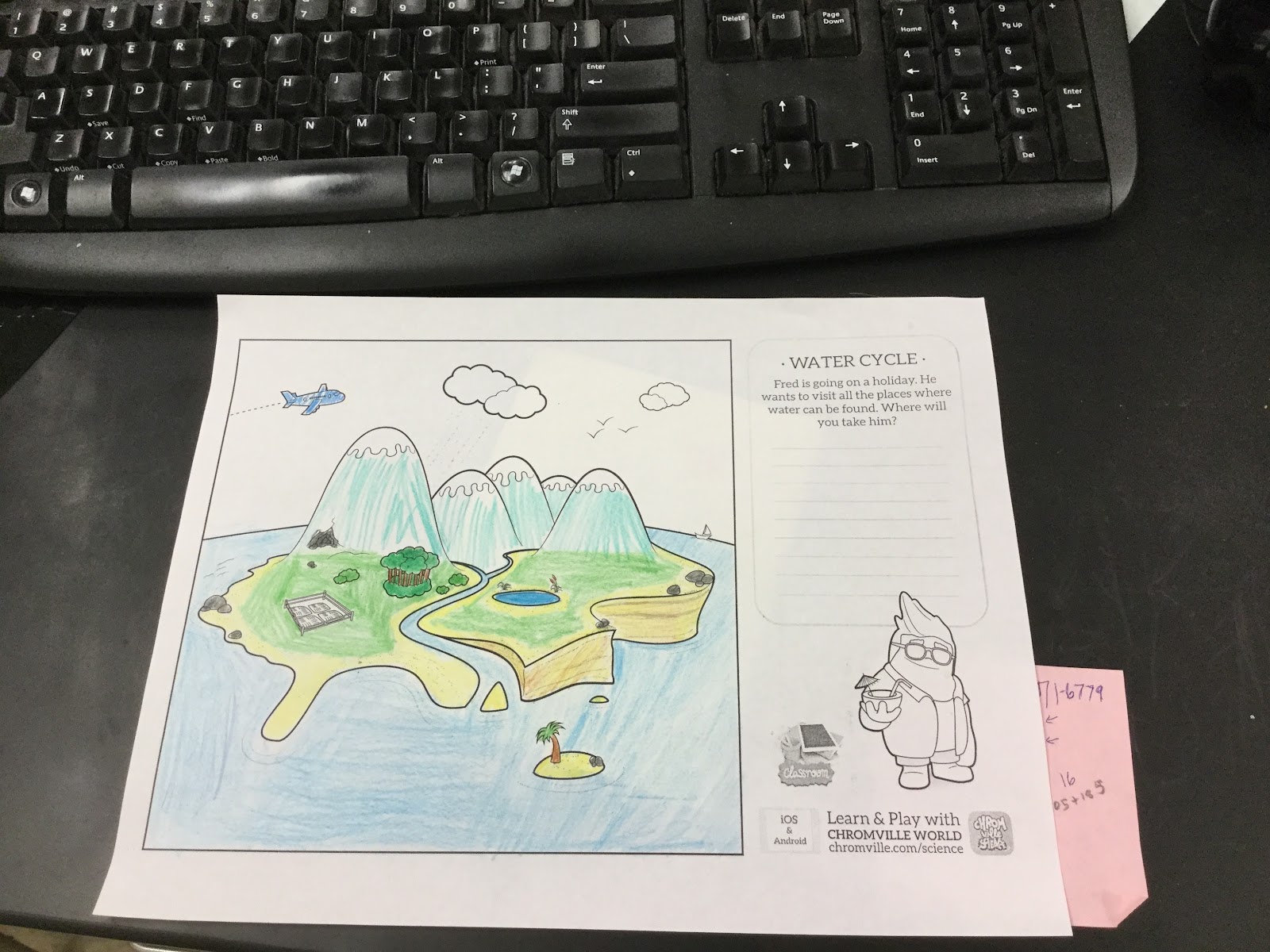
Into a 3D interactive model like this:
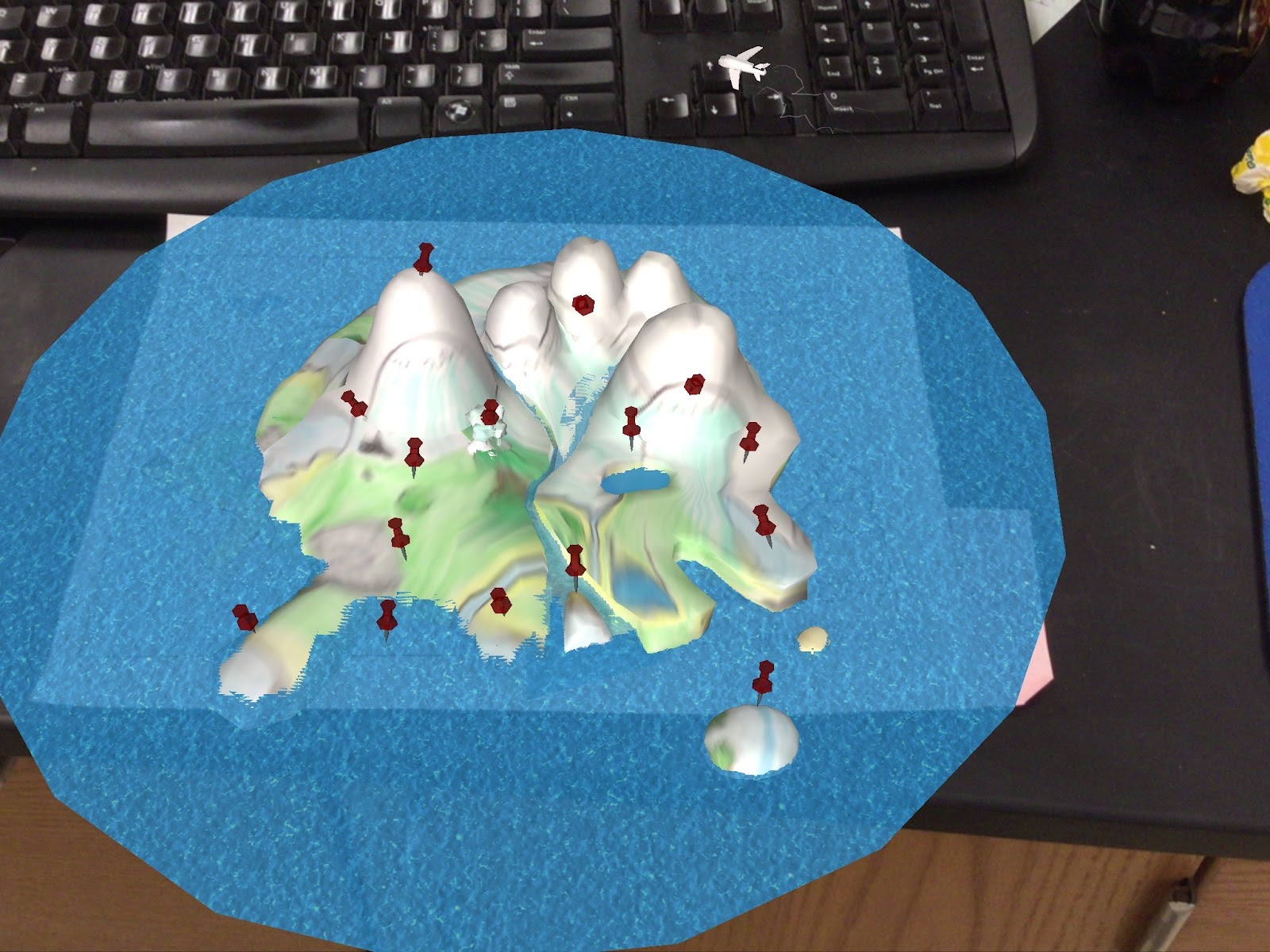
There are different uses for the app. Chromville is more of a general situation app that can be used to help in storytelling and idea development.
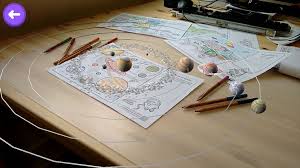
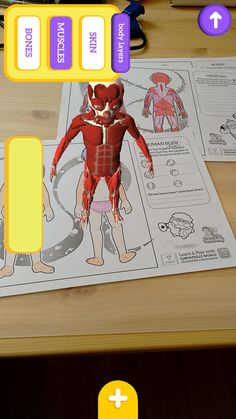
The Chromville Science app is more specific to teaching students elementary science concepts. There are explorations of areas in physical, life, and earth sciences such as
Planet Earth
The Human Body
Laboratory
Another augmented reality app is Aurasma. It allows users to use a image in the real world as a trigger to overlay a multimedia file. The example below is of a file, called an Aura, triggered by the back of the $1 bill. Below, you'll see video I captured when viewing a $1 using the Aurasma app on my phone.
So how do you create an Aura? This video starts after you’ve logged into Aurasma.com. There is a little bit of time taken when uploading the overlay in this video clip.
Here's what the aura looks like when I tested it.
So, how will I use this in my classroom as a part of the “poster presentation”?
There are two final components of our personal learning project. The first is a short video (2 minutes or less) in which students communicate the answer to their research question or how well they were able to meet their personal goal. The second deliverable is a document communicating the process of the project. Students will create a physical copy of the process sheet. It will be the size of a standard piece of printer paper. This sheet will then be used as a trigger for their video which they will tie as an overlay using Aurasma. This will allow students to view experience the results of their project while being free to explore other projects at the same time. It still requires students to use oral communication skills just in a multimedia mode.
Below, you will find the rubrics for the project. I look forward to sharing the results next week.
Comments
Post a Comment